Web Application Firewall Module Overview
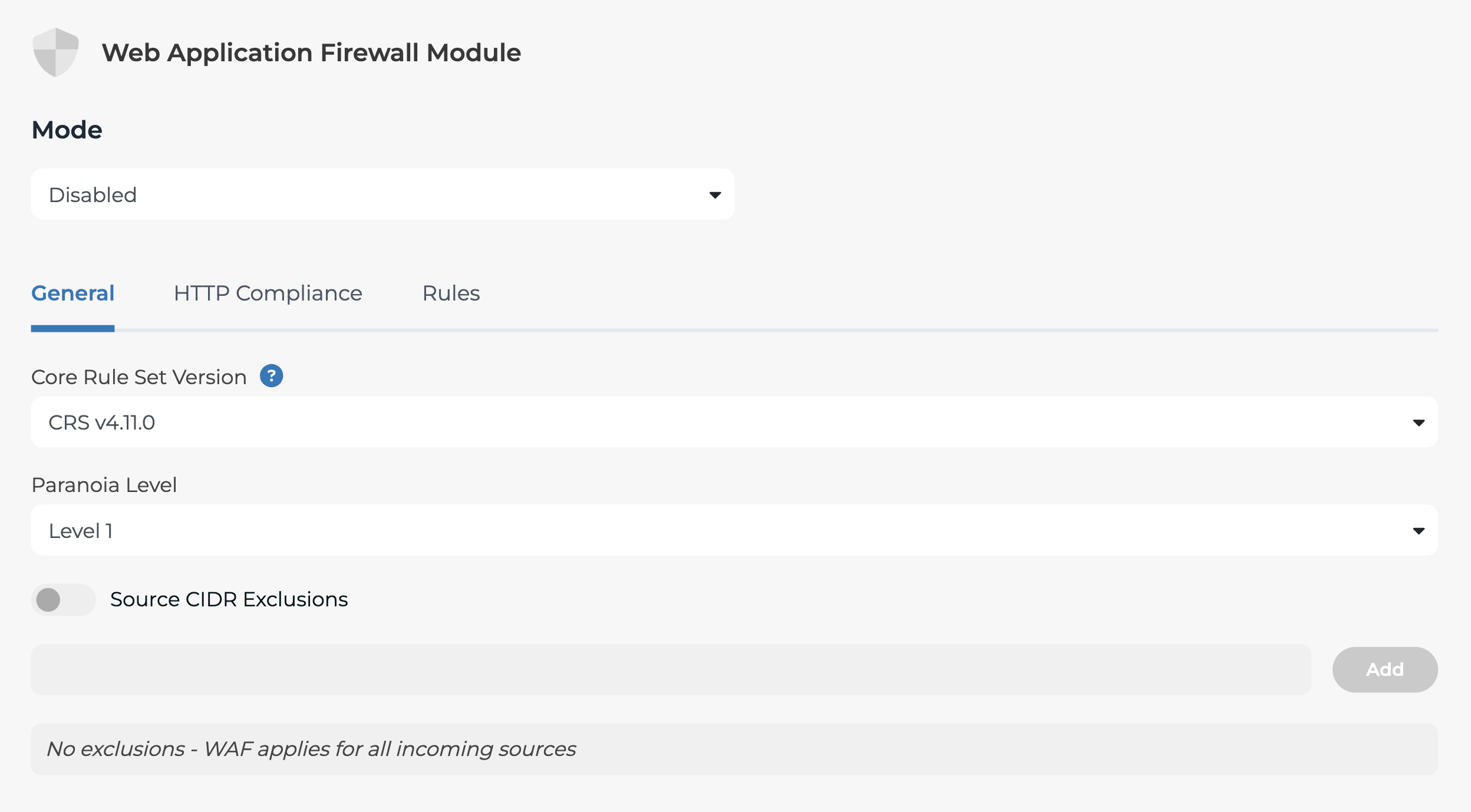
The Web Application Firewall (WAF) module protects web applications against evolving threats, including OWASP Top 10 attacks. To configure the WAF module, follow these steps:
- Go to 'Traffic Management'
- Select 'Traffic Configuration'.
- Choose any HTTP Proxy from the list.
- Select 'Web Application Firewall' to access the WAF settings: