HTTP Compliance
The HTTP Compliance tab contains settings and rules that ensure HTTP traffic conforms to the standards and protocols as defined by HTTP RFCs (Request for Comments).
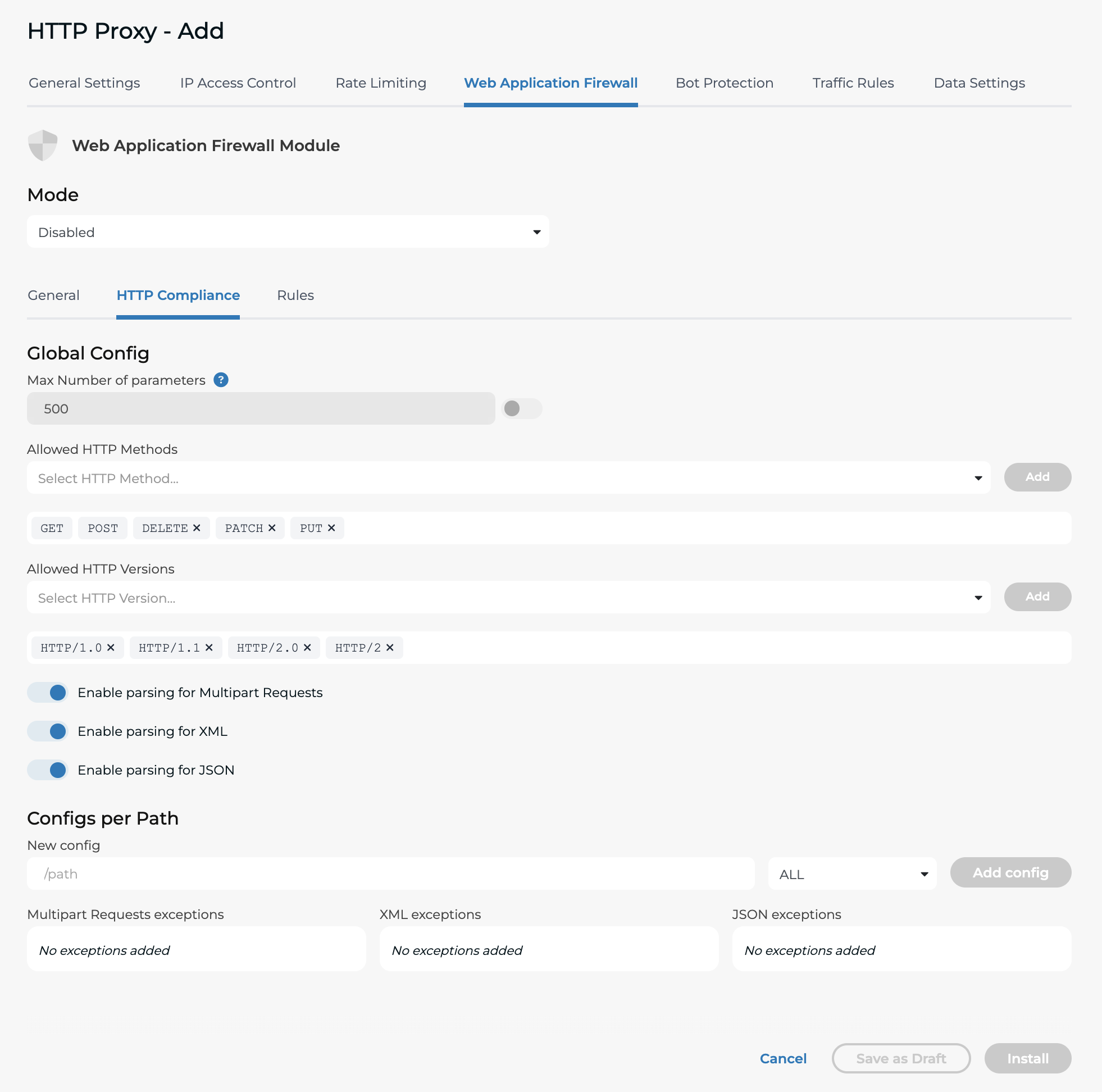
Although not specified by any RFC, settings such as the maximum number of parameters and the maximum file upload size can also be configured in this section. The following HTTP Methods are allowed by default but users can modify this setting as needed:
GET, POST, DELETE, PATCH, PUT
Max number of parameters
The term "Parameters" refers to either query parameters or body parameters in a PUT/POST request. For instance, if the Max Number of Parameters is two and WAF is in "Blocking mode," any of the following requests would be blocked:
GET /app/path?query=one&query=two&query=three
POST /app/path with body {"arg1":"one","arg2":"two","arg3":"three"}
POST /app/path?query=one&query=two with body {"arg1":"one"}
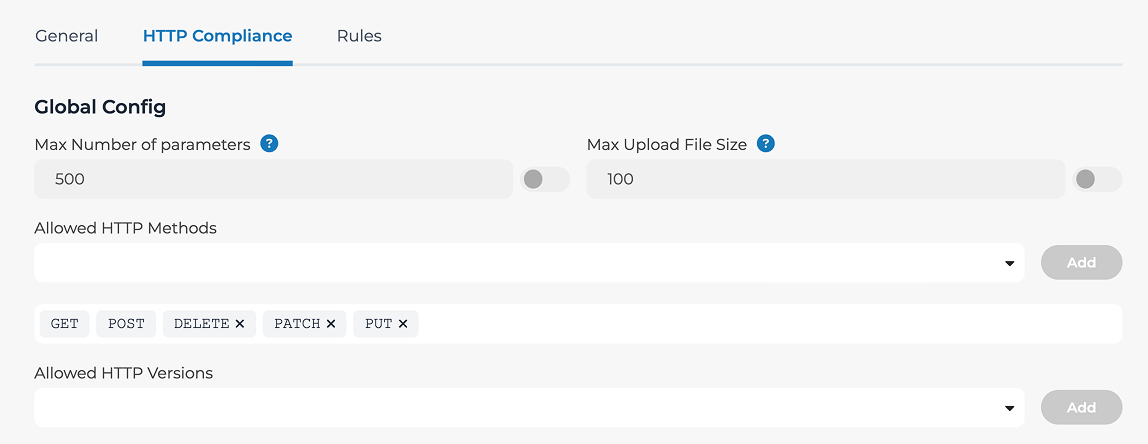
Allowed HTTP Methods
Specify the allowed HTTP methods. It's good practice to minimize the scope of the methods supported by the backend server. There is no reason to allow DELETE methods if DELETE is not an implemented verb on the backend server.
Allowed HTTP Versions
This should correspond to the HTTP version selected under the General tab of the Traffic Configuration. If you select HTTP/2 under the General tab, choose at least HTTP/1.1 and HTTP/2 here. This is because HTTP/2 needs to have a fallback for clients not supporting HTTP/2. Note that there are two formats for HTTP/2, HTTP/2 and HTTP/2.0. You will see clients sending both formats. Leaving one out means you may drop requests from some clients.
Enable or disable parsing for Multipart Requests
The WAF now supports disabling parsing for Multipart Requests. Multipart is an HTTP Content-Type commonly used for uploading. You can find out more on the RFC.
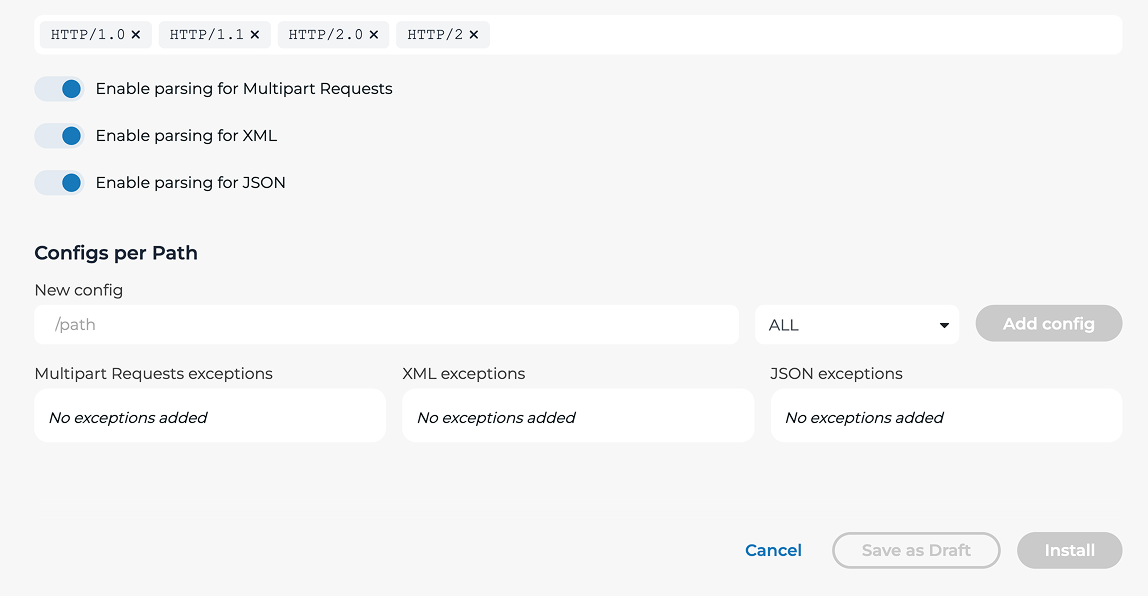
Enable or disable parsing for XML or/and JSON
When the 'Enable parsing for XML' and 'Enable parsing for JSON' settings are activated, it is important to note that requests containing non-compliant XML or JSON data will be dropped, irrespective of whether the WAF is set to logging mode or blocking mode. If, for any reason, this setting needs to be disabled, it is highly recommended that you do so by creating a path-specific exception rather than disabling it globally. Please note that disabling parsing will exclude all WAF rules applied for the specific content type that is parsed, which would reduce the security posture.
Configs per Path
Disabling XML or JSON parsing on specific paths can be made in the 'Configs per Path' section of the HTTP Compliance tab.