Import custom certificate
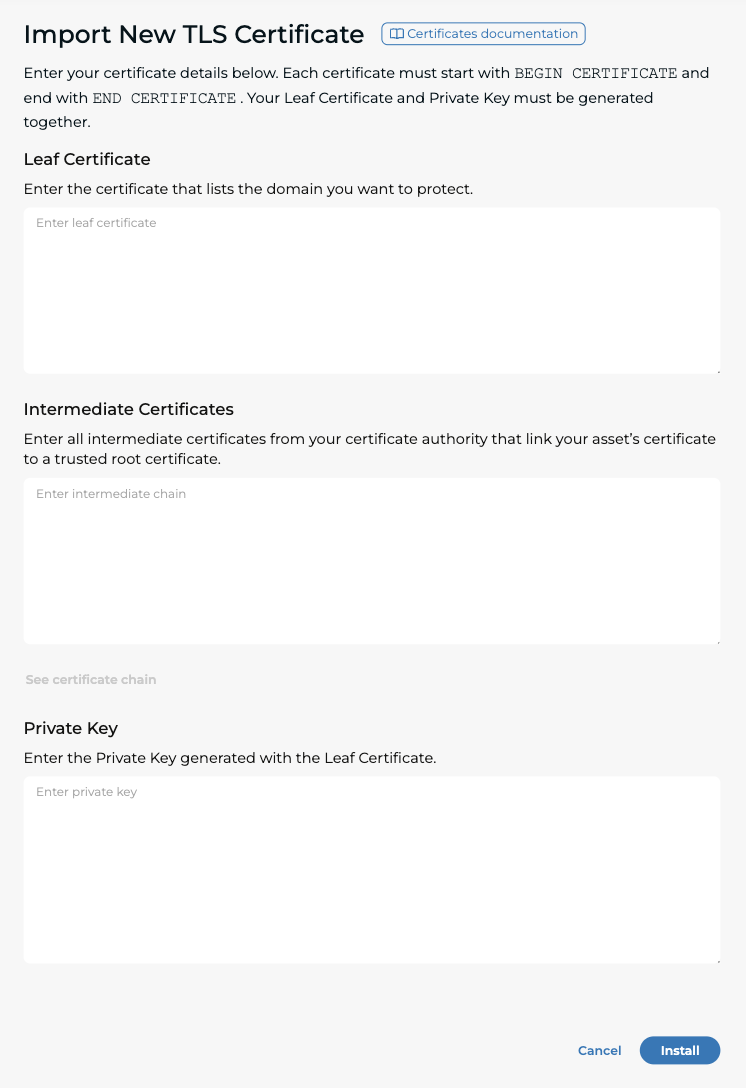
Follow the below steps to successfully upload a PEM certificate, Private key (RSA or ECDSA) and intermediate certificates to the portal:
- Navigate to Traffic Management -> Certificate Management -> New -> Import PEM
- Fill in the Certificate, Intermediate, and Private Key (RSA) text fields
- Select Create
tip
After adding the certificate and intermediates, you can click on "See certificate chain" to get more details on the validation.