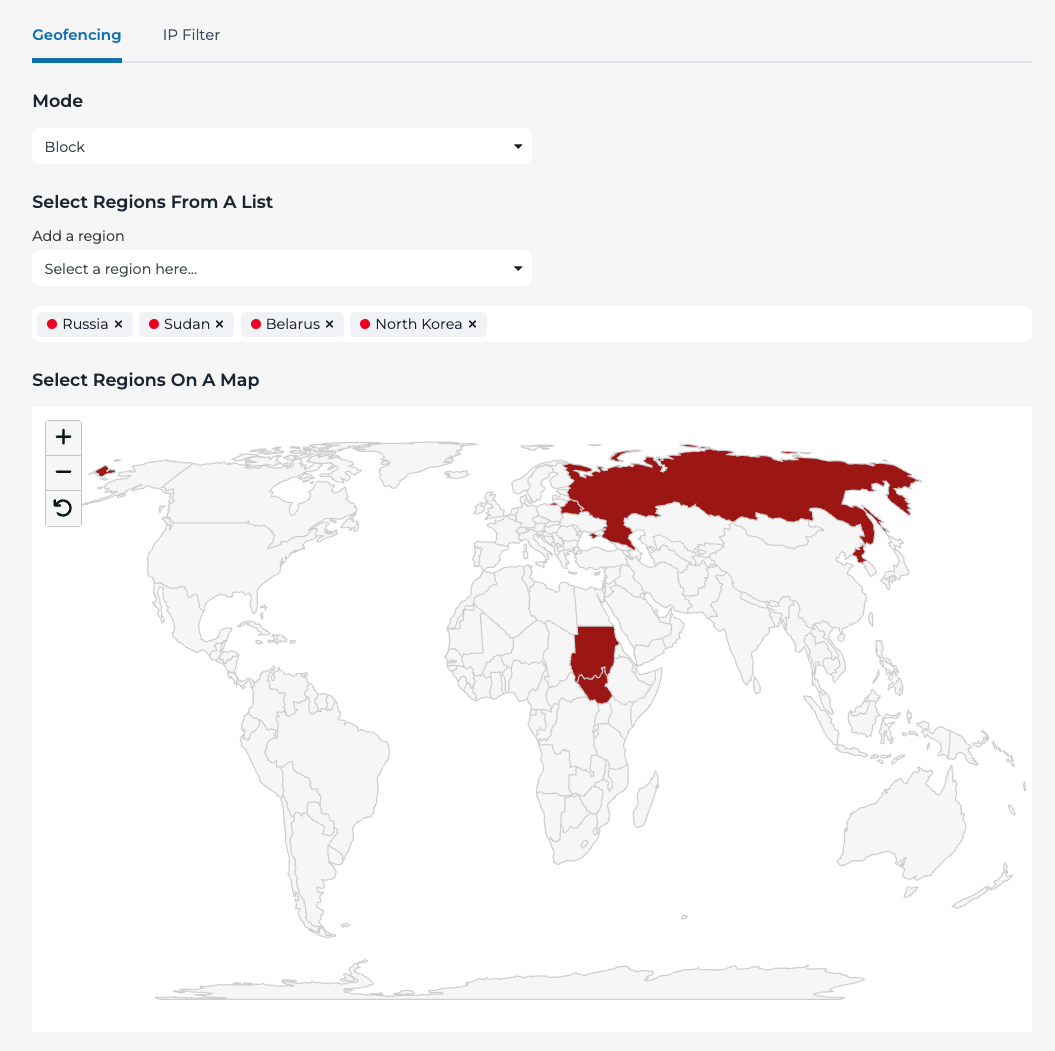
Block traffic from specific countries
To block traffic from specific countries, navigate to the Geo-fencing module in the portal and select “Block” in the dropdown menu. Next, In the “Add a region” field, type the name of the countries you want to block traffic from or select them using the map. Traffic from all other countries will be allowed.