Getting started with IP Intelligence
To activate your account and start using the product, follow these steps.
Creating an account
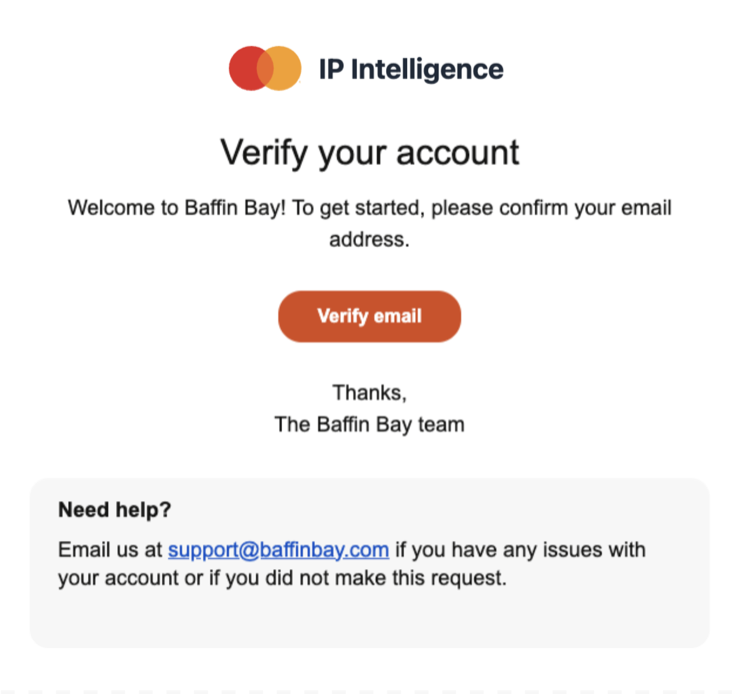
Once you receive an invitation to join a tenant, follow the instructions in the email to create your account. Upon verifying your email address, you will be prompted to set up a two-factor authentication (2FA) method.
During your first login, you will be asked to review and sign the End User License Agreement (EULA). Afterwards, you will be redirected to the landing page, where you can customize your threat feed options and file formats.
Inviting your team
To invite a new member to your team, follow these steps:
- Go to the user management page by selecting Users in the navigation bar.
- In the Invite a member form at the top of the page, enter the email address of the member you want to invite.
- Select the member's role: User or Admin.
- Select Send invite.
- The new member will receive an invitation email. They must follow the link in the email to set up their account.
The invitation link is valid for seven days. If the new member does not accept the invitation within this period, go to the Users page and select Resend invite at the bottom of the page to send a new invitation.
Using the web interface
To download IP Intelligence threat feeds through the web interface, navigate to the Feeds section in the top-left corner and follow the outlined steps. You can modify the file format and configuration options each time you download a feed.
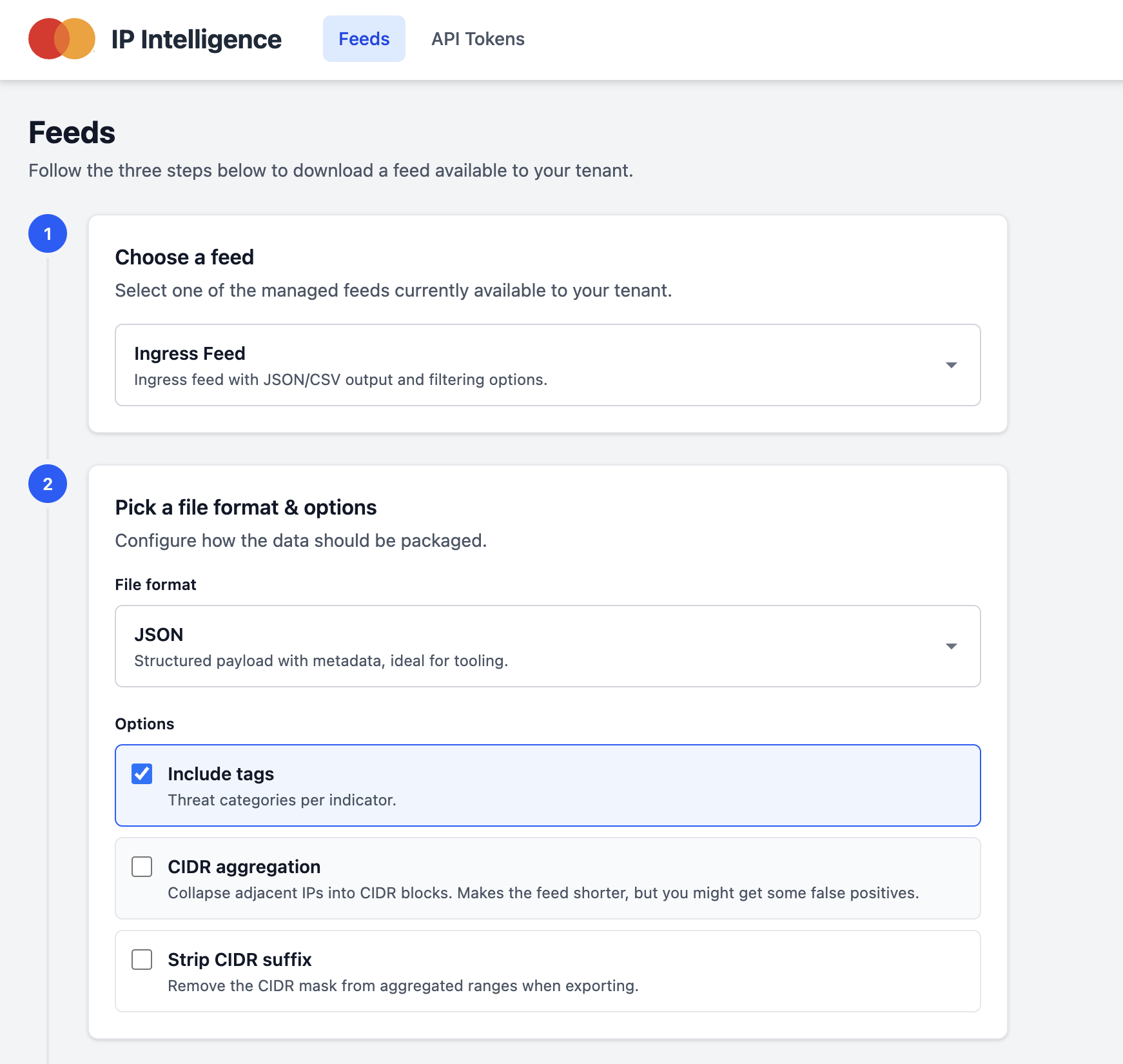
IP Intelligence threat feeds can be downloaded in either CSV or JSON format. By default, the exported fields include the IP address, source country, and type or types of associated malicious activity. If preferred, you can modify the download configuration to include only the source IP field.
Choosing a feed
Select a threat feed to download from the drop-down menu.
-
Ingress Feed: Our standard threat feed for observations on malicious IP addresses. Easily block high-risk traffic at your endpoints or integrate the feed into your SIEM to automatically enrich logs and tag threat activity.
-
IP Attacked Countries: Enhances our core Ingress Feed by mapping malicious IP activity to specific target countries. Ideal for risk modeling and tracking regional attack trends across your global applications and teams.
Downloading historical data
The feeds include access to historical observation logs, allowing you to query specific dates and retroactively analyze threat activity. This can be used for reporting, incident investigation, and auditing SIEM logs to uncover previously undetected activity.
Using the API
Links to the API documentation and your account settings can be found in the top-right corner under your account name. You can also access the IP Intelligence API documentation directly.