Query
Query helps you investigate security activity for a specific identifier across your tenant's traffic configurations. You can search by Incident ID or IP address and review correlated activity from both application and network security services.
What Query Is Used For
Use Query when you need to:
- Investigate a specific support case using an Incident ID
- Investigate suspicious client behavior using an IP address
- Review security activity from multiple services in one workflow
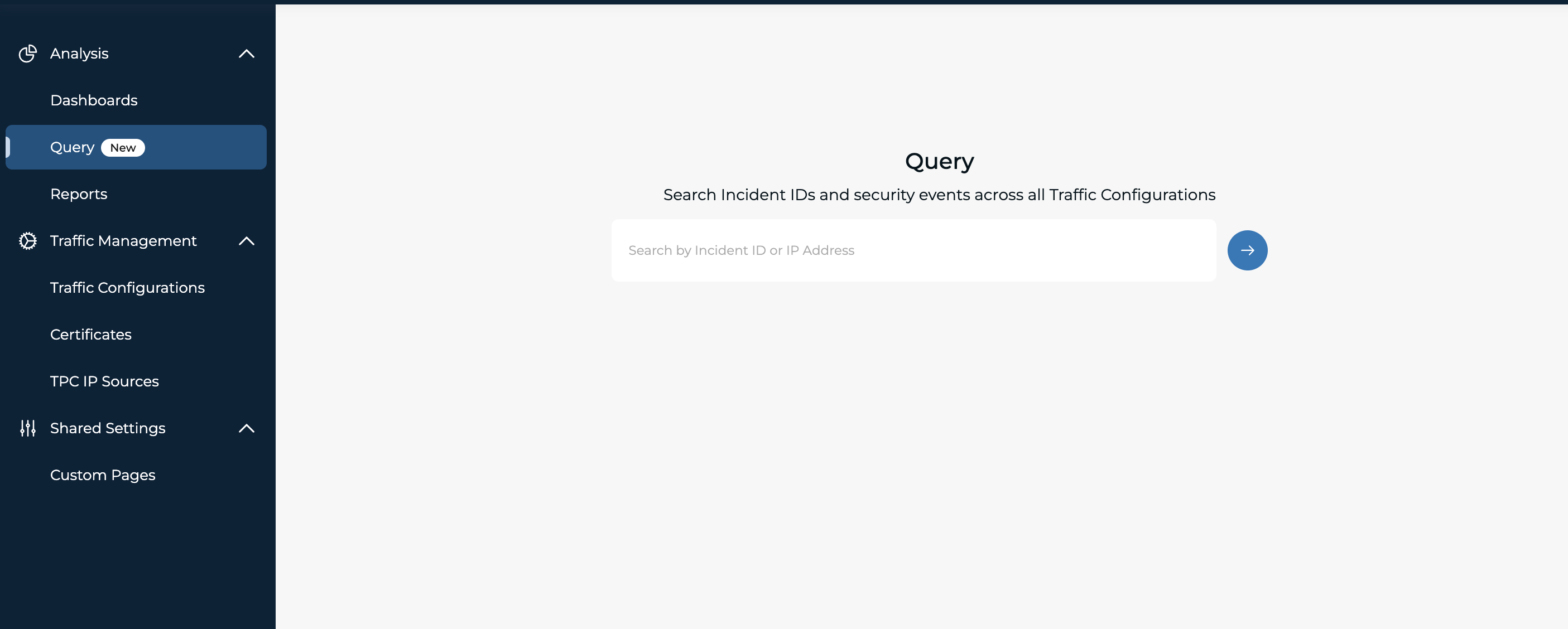
Supported Search Inputs
Query supports two input types:
- Incident ID
- IP address (IPv4 and IPv6)
Time Range and Time Zone
- Presets: 24h, 3d, 7d, 14d and 30d
- All query processing and displayed timestamps use the tenant time zone
How Query Works
Incident ID Search
When you submit an Incident ID query: Query searches for the exact Incident ID event and displays a detail-first event view. No timeline filtering is required for an Incident ID search.
IP Address Search
When you submit an IP address query: Query runs a cross-traffic-configuration search for the selected time range, defaulted to 7 days.
The Activity Timeline provides a high-level view of activity across:
- Application Security
- Network Security
The timeline includes:
- Event volume over time
- Service-level breakdown by security capability
Application and Network Security Events
Query displays service-specific event tables for:
- WAF
- Rate Limiting
- IP Access Control
- Bot Protection
- Network DDoS
For IP Reputation, summary cards show key context about an IP in our threat feed:
- First seen and last seen
- Attack types summary
- Target traffic configuration
Event Definitions
Query normalizes activity from multiple services:
- WAF event: Request blocked or logged by WAF
- Rate Limiting event: Request blocked by configured rate limits
- IP Access Control event: Request blocked by default policy, IP, ASN, or country controls
- Bot Protection event: Request that fails bot challenge
- Network DDoS event: Attack-window activity from sampled network telemetry