Activate users
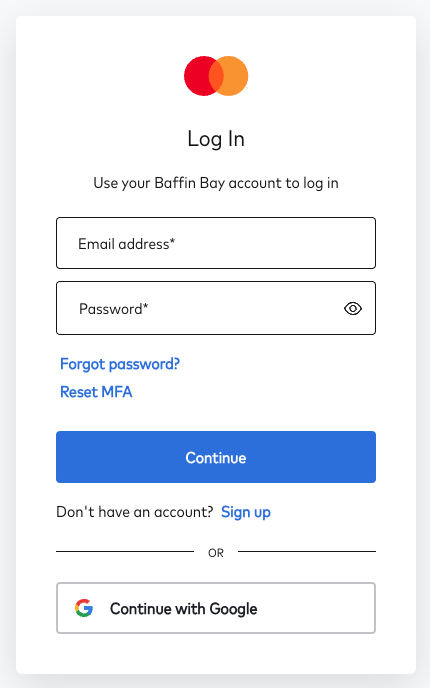
After the customer account has been created and the users have been added, an activation email will be sent to the users to complete the configuration of their user accounts. The email will come from no-reply@baffinbaynetworks.com. After the user completes the activation process, they will be able to log in:
- Threat Protection Portal: portal.baffinbay.com
We also suggest that each Threat Protection portal user creates an account separately in the Support Portal (support.baffinbay.com), which has different support articles, documentation and offers the ability to create and track tickets:
- Visit support.baffinbay.com
- Click Sign up and then fill in the full name and email address as specified previously in the Threat Portal creation (1)
- You will receive an email. Follow the steps for account activation and verification.
If you have any issues with the setup, don’t hesitate to contact support@baffinbay.com.